
Offering Affordable Digital Solutions
How to Change Your Webmail Password
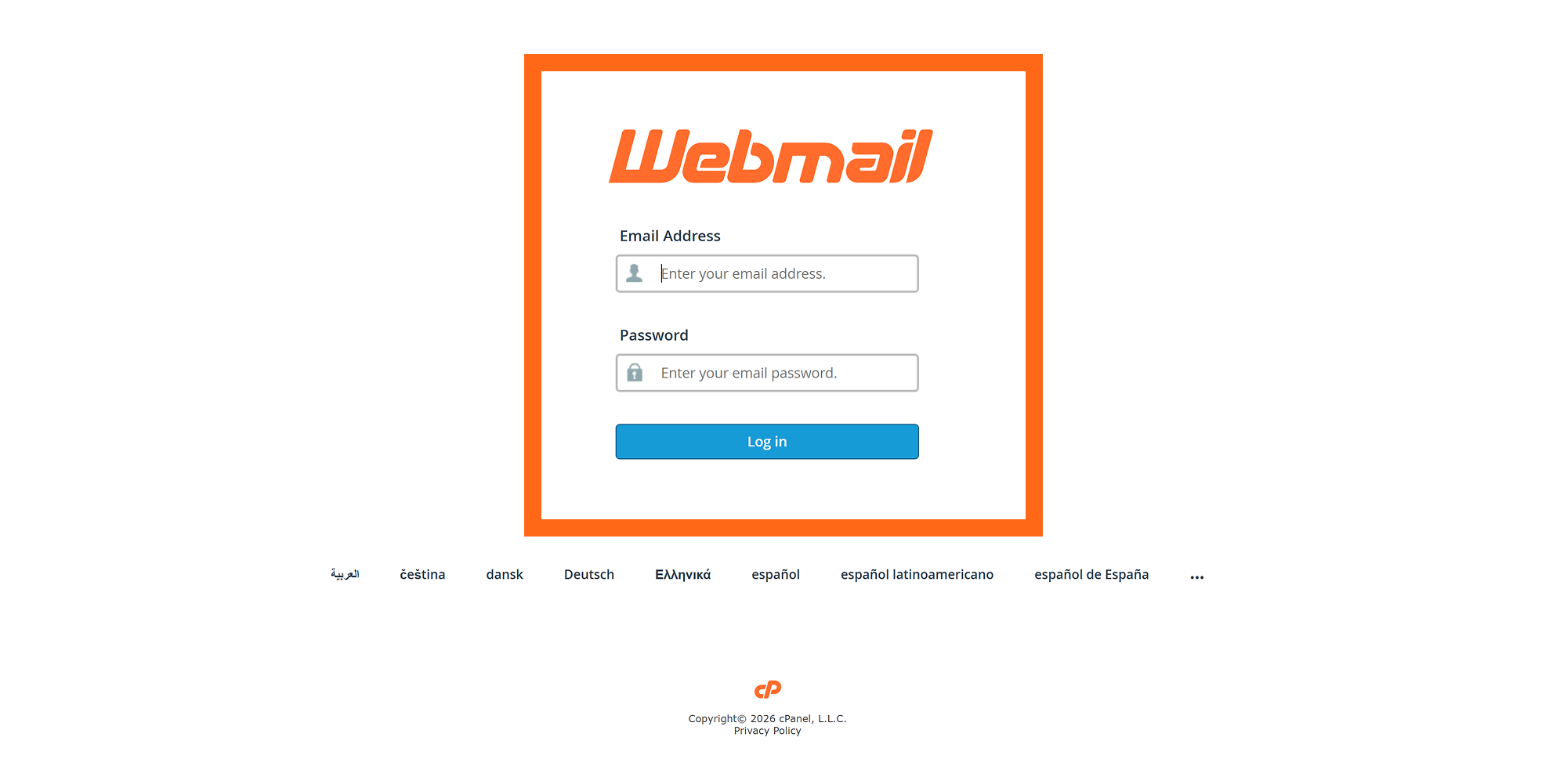
Step 1
Login to your webmail account using your email and password.
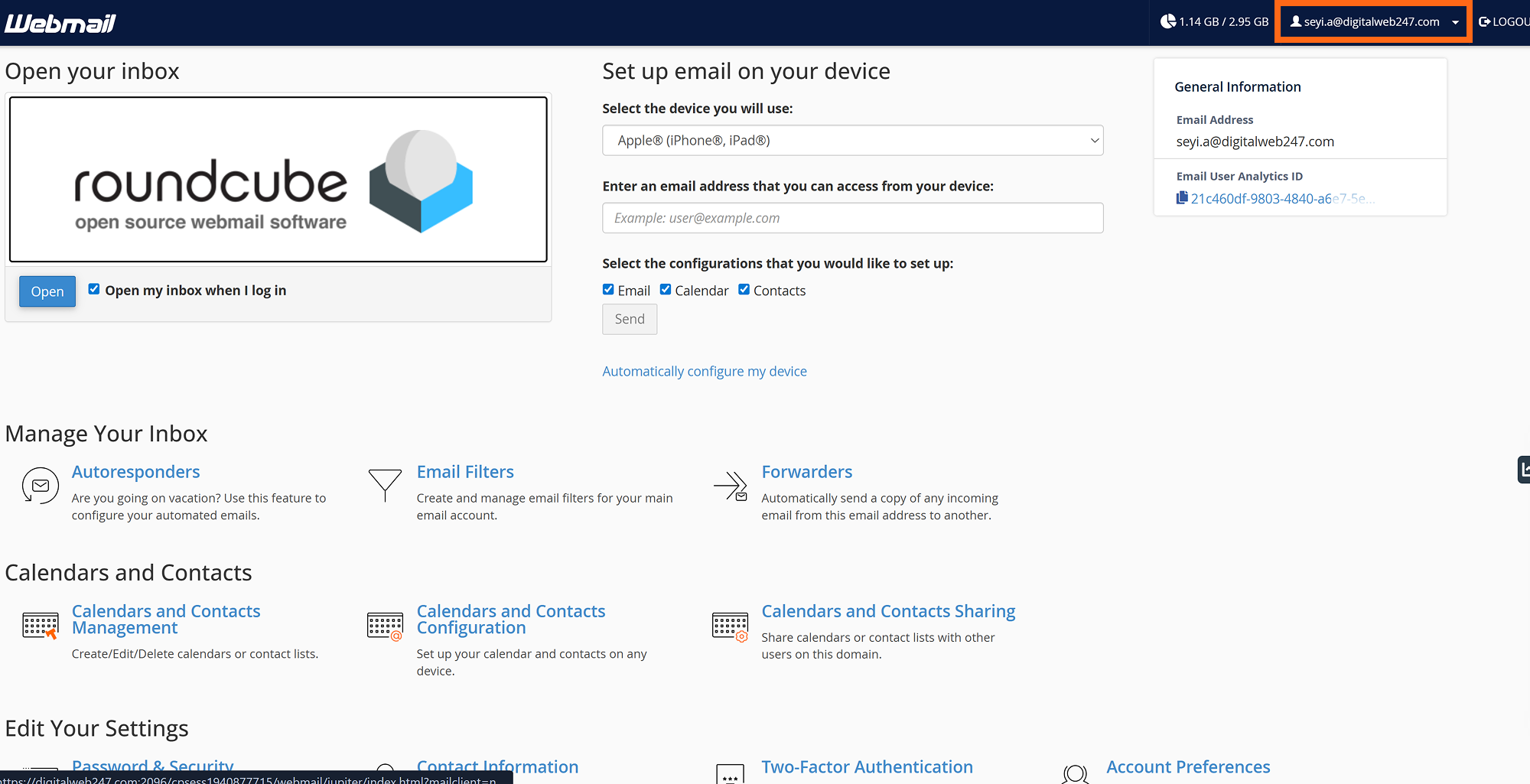
Step 2
Navigate to the top-right corner of your website where you can see your profile.
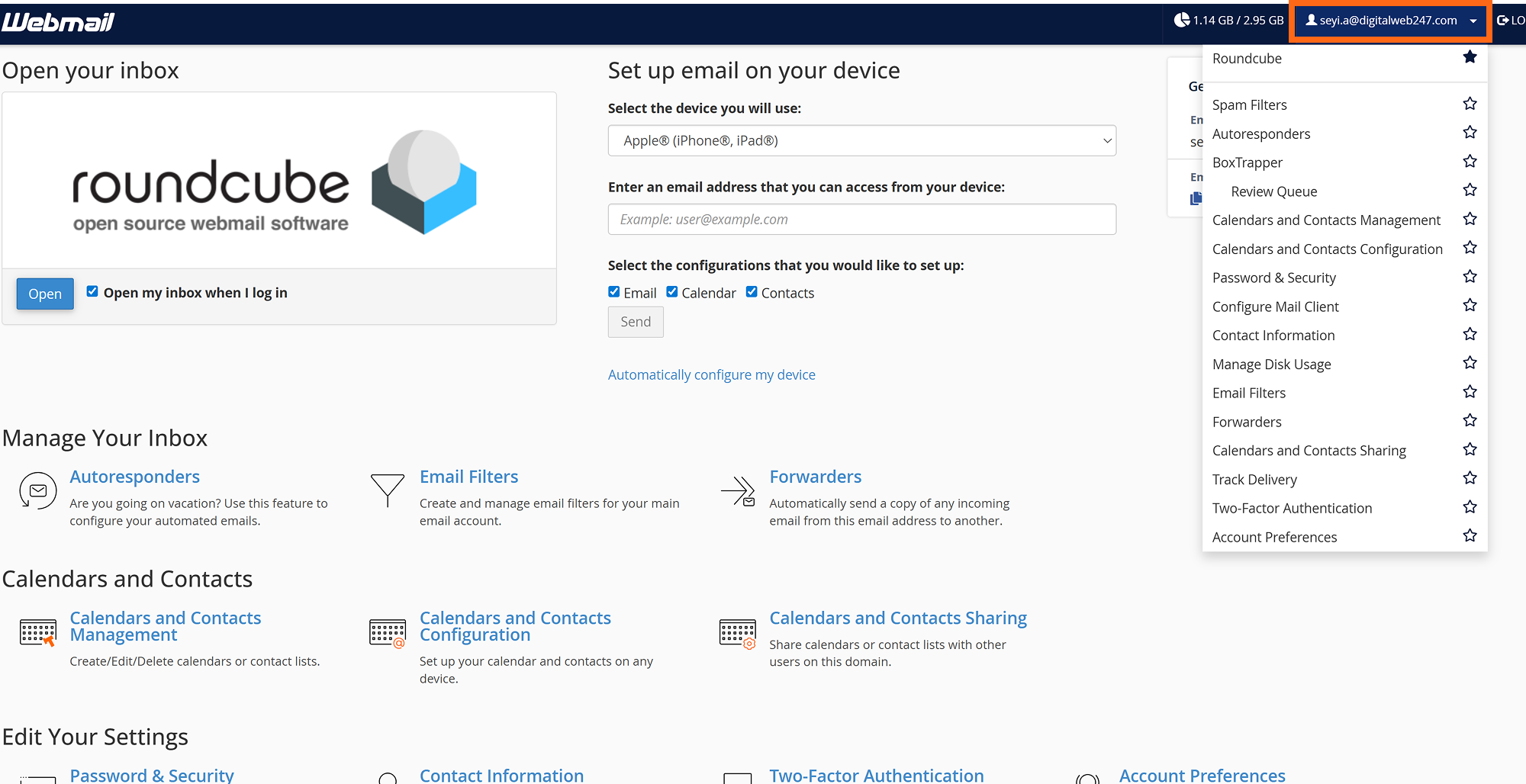
Step 3
On clicking it, a dropdown menu appears, click the one that says passwords and security.
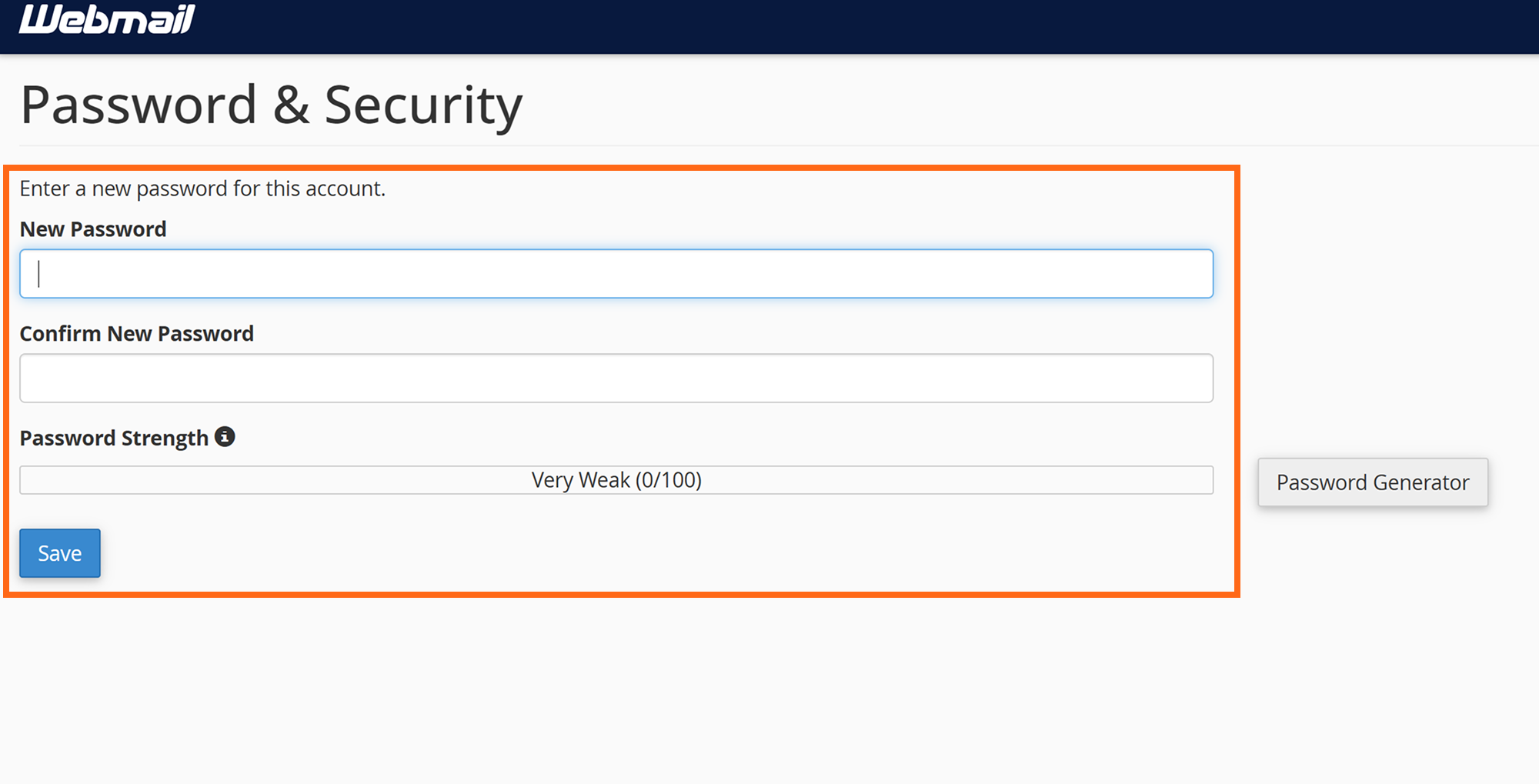
Step 4
A page where you can change your password appears. Proceed to change your password and the click save when you're done.